Make product changes in the moment
Update prices, stock and product details from your phone, including options such as sizes and colours.
An order comes in while you're away? Keep moving. Check what's selling, update prices and stock, and manage orders from your phone.
Handle the work that can't wait, even when you're away from your computer.
Update prices, stock and product details from your phone, including options such as sizes and colours.
See your product images, add photos from your camera or gallery, and remove ones you no longer want to show.
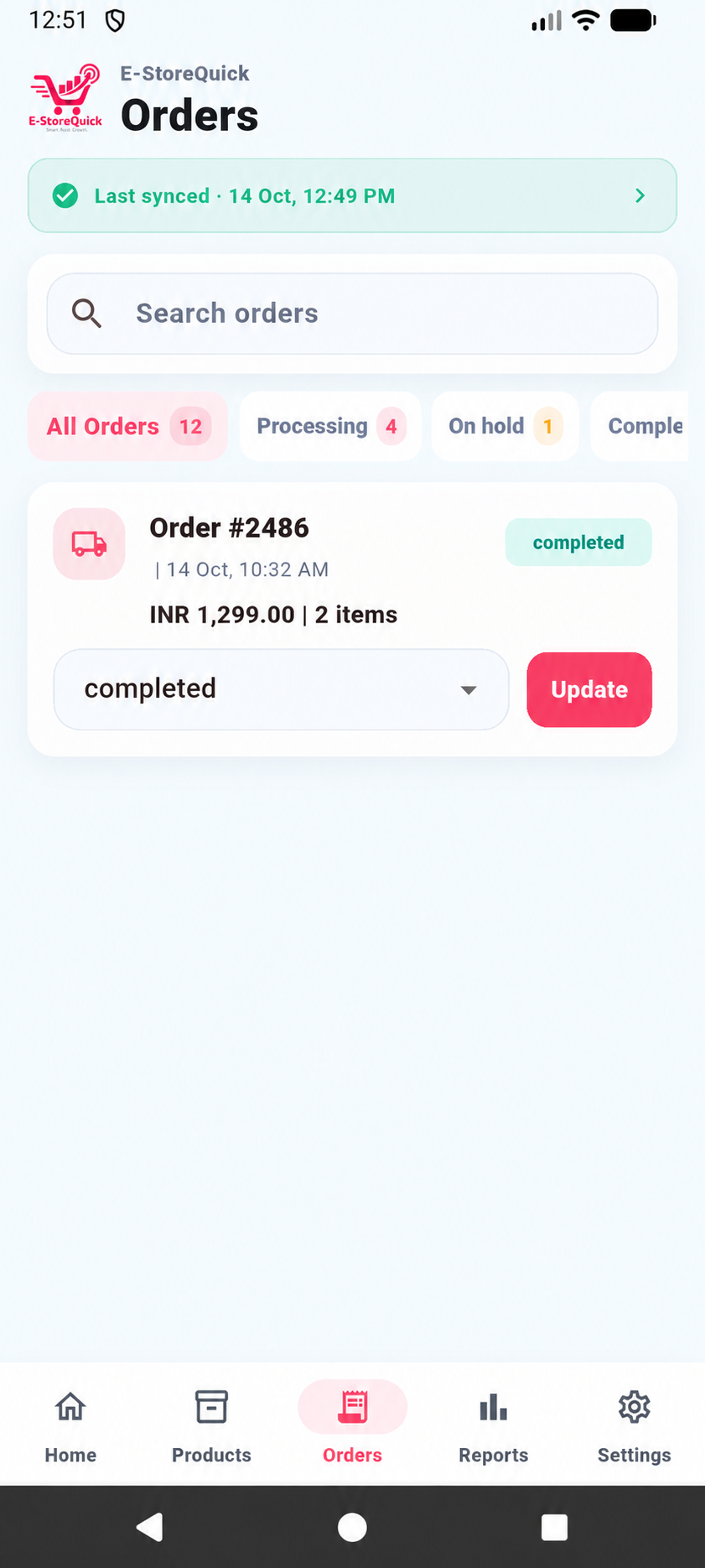
Find the order you need, see where it stands and update its status as you work through it.
Check sales, orders and items sold for a day or a date range, without waiting to get back to your desk.
Store information refreshes when you open the app and while you're using it. The latest update time is easy to find.
Choose which devices can use your licence, then add a PIN or your phone's lock for extra protection.
E-StoreQuick gives you a convenient way to work with your WooCommerce store from your phone. Your products and orders remain in your store.
Explore the Android app's dashboard, products, orders and reports with illustrative store content.
See sales, orders, products and low-stock items in one place, then go straight to what needs attention.
Explore plans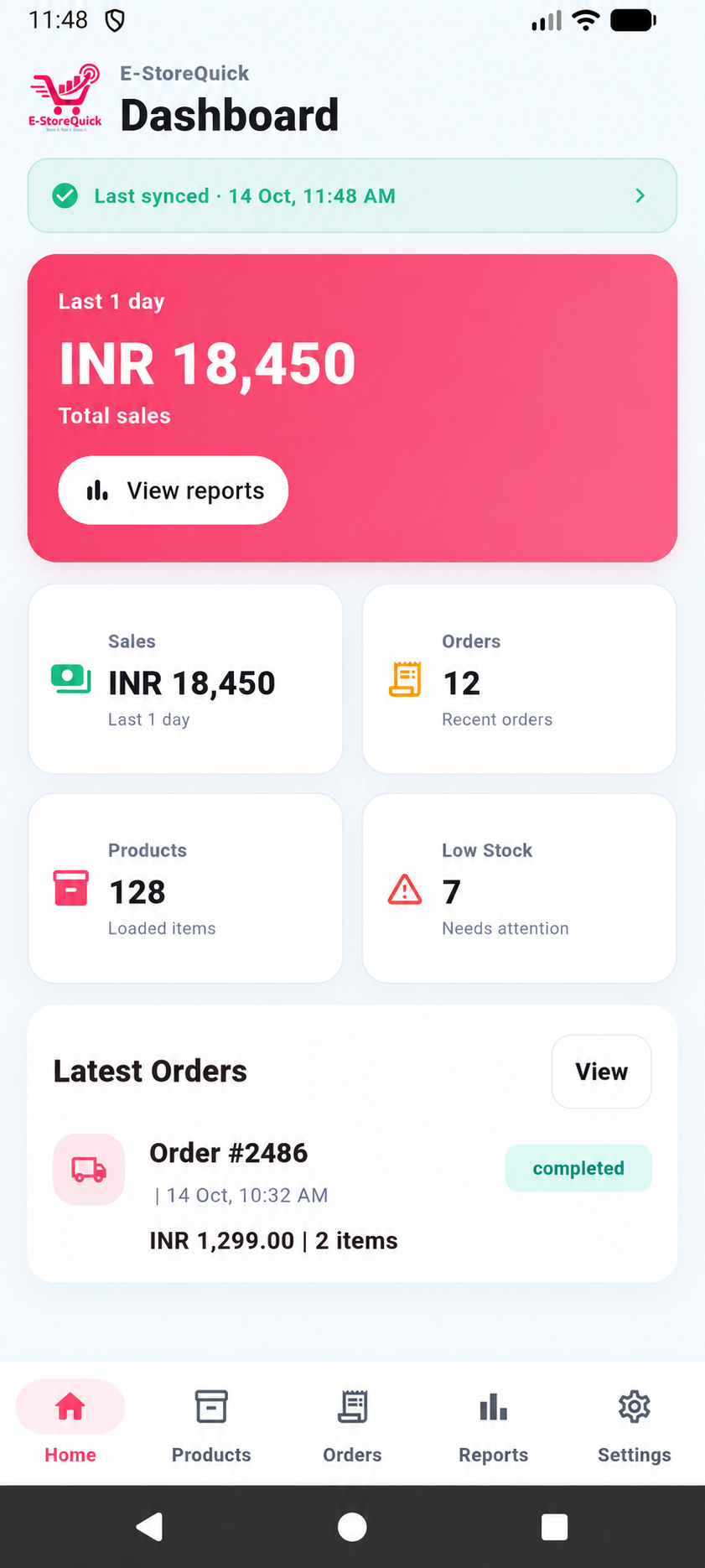
Three steps connect your WooCommerce store to your phone.
Install the plugin on your WordPress site, where WooCommerce is already active.
Enter your licence key in the plugin settings and follow the connection steps.
Activate the app for your device to view and manage your store's products, orders and sales.
Choose the access and features that fit your store team.
Run your store from your own phone.
Keep a small team working from their phones.
Introductory prices shown in INR. Yearly billing and any bonus months are shown with each plan. No payment is collected when you request a plan. Applicable taxes and final terms will be confirmed before purchase.
Choose a plan for your WooCommerce store and the phones your team needs.
Connect your existing store so you can work with its products, orders and sales on mobile.
Manage the store from your phone, with product updates, order progress and sales reports in one place.
Clear answers before you connect your store.
E-StoreQuick is made for WordPress stores running WooCommerce. WooCommerce needs to be active before you install the plugin.
They remain in your WooCommerce store. E-StoreQuick's central service handles licences and device access, not a second copy of your product and order database.
Yes. You can update products and their options, and preview or change the main and gallery photos from your phone.
The public Android installer is not available yet. The app and plugin are being prepared for release; store links will be added when they are live.
Your licence controls which devices can connect. You can also add a PIN or use your phone's lock to protect access to the app.
See what you can get done, even away from your desk.